
Step-by-step and Video Guides
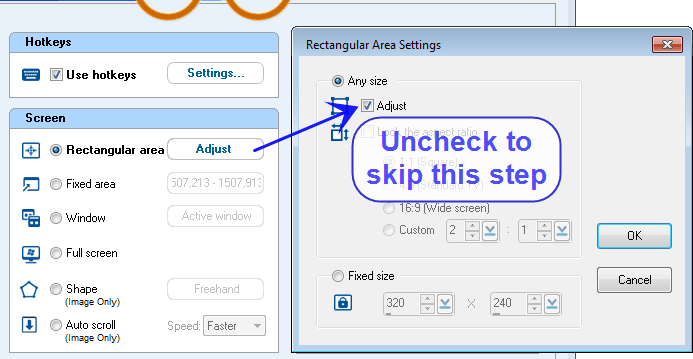
 First time users - Capture Image


 First time users - Record Video


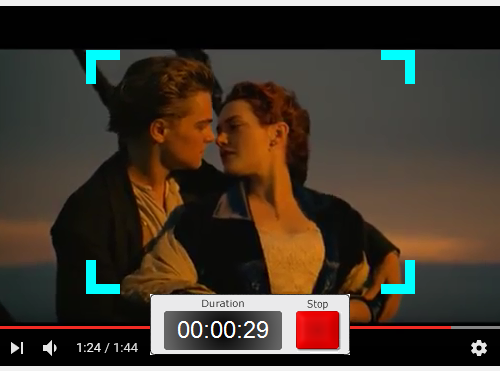
 You can click it to stop, or you can press the stop hotkey or Esc to stop.
When recording, the flashing indicator can be shown and you may click the Stop button at the bottom to stop.
You can click it to stop, or you can press the stop hotkey or Esc to stop.
When recording, the flashing indicator can be shown and you may click the Stop button at the bottom to stop.
 Capture or record a covered window - 'Specific window'

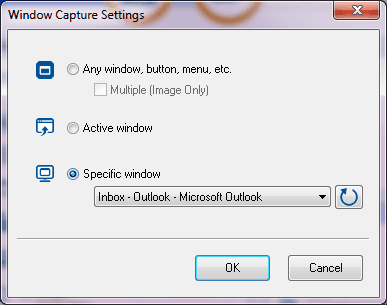
 to show the list of windows.

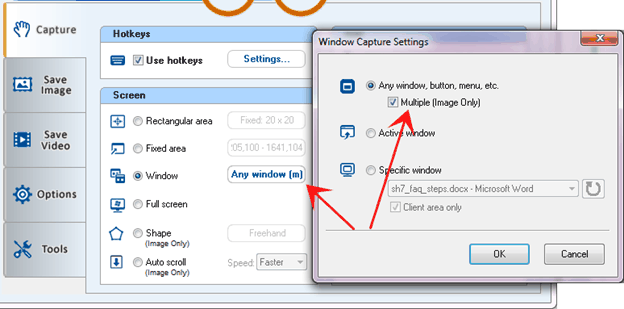
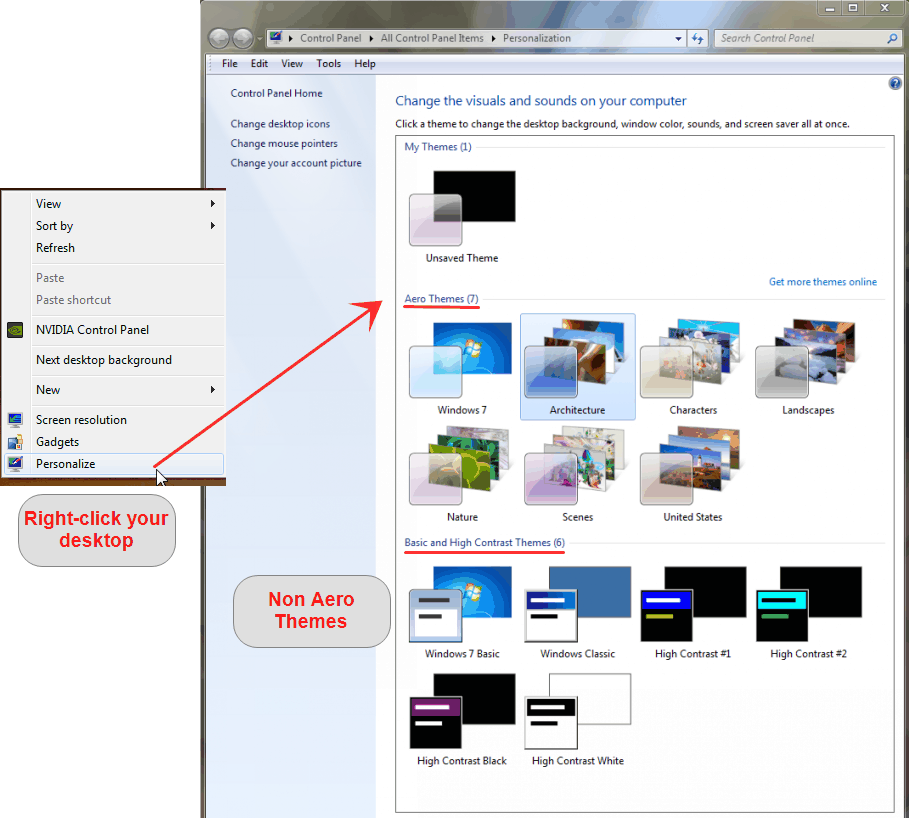 Multiple objects, submenu capture
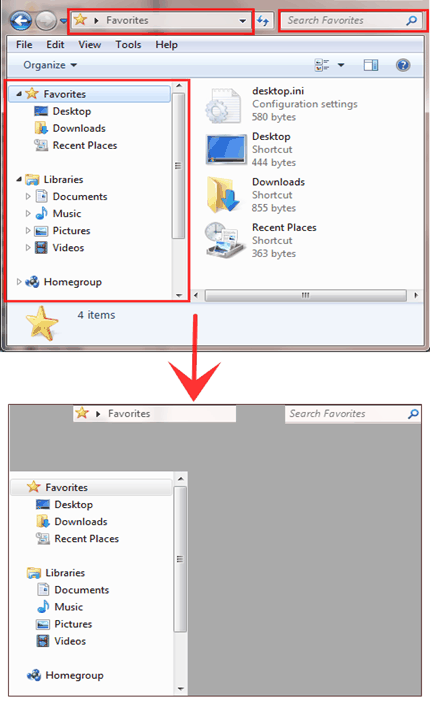 Make captured images transparent
 Transparent PNG watermark

 'Auto scroll' - Capture a scrolling window or a long web page
 Scheduled / recurring capture and recording


 Set up to record automatically when a user logs in to a PC
Full screen games
Set up to record automatically when a user logs in to a PC
Full screen games

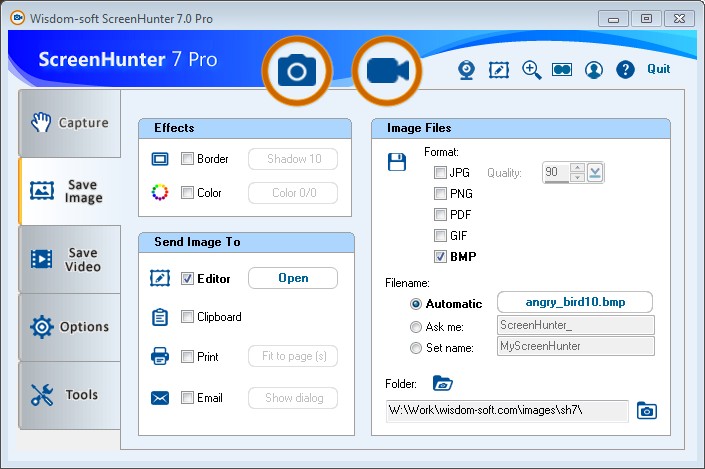


 Send a capture directly in email
 'Auto-email' - send email automatically
 'Automatic file naming'

 ScreenZoom & ScreenDraw

 Combine captures into one big image
Color Picker
Combine captures into one big image
Color Picker


 Search